Hi, how can we help you?
How to create Email Template
Step 1: Login to your OutPerform account.
Step 2: Click the gear icon at the top right of the screen to open the Settings page.
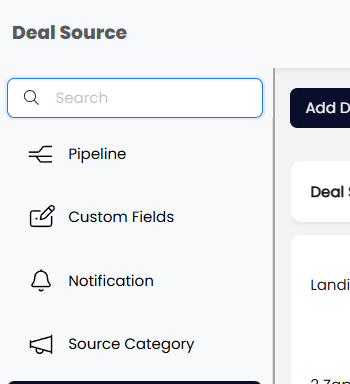
Step 3: Search for Email Template.
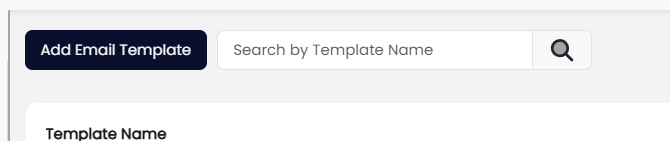
Step 4: Click on Add Email Template.
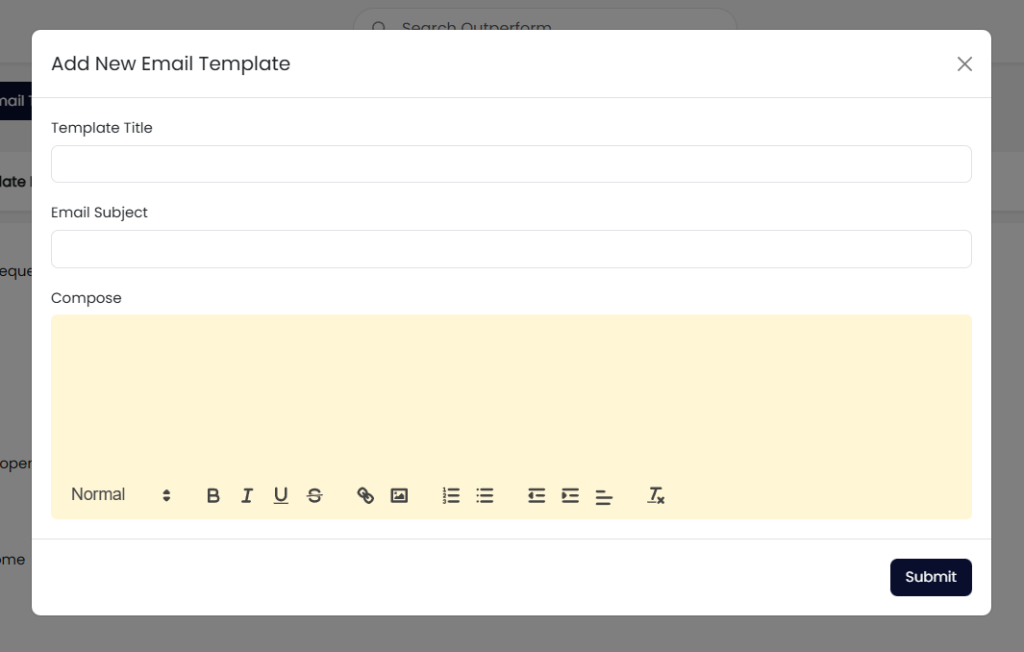
Step 5: Create your own email template and submit