

OUTPERFORM USER GUIDE
How to Review the Conversation Transfer Log in OutPerform
Conversation Transfer Log
You can now easily review conversation ownership transfers using the Conversation Transfer Log.
This feature gives you better visibility into when conversations were transferred and helps you track ownership changes more efficiently.
You can review conversation ownership transfers from the Settings page.
STEP 1 Go to Settings.


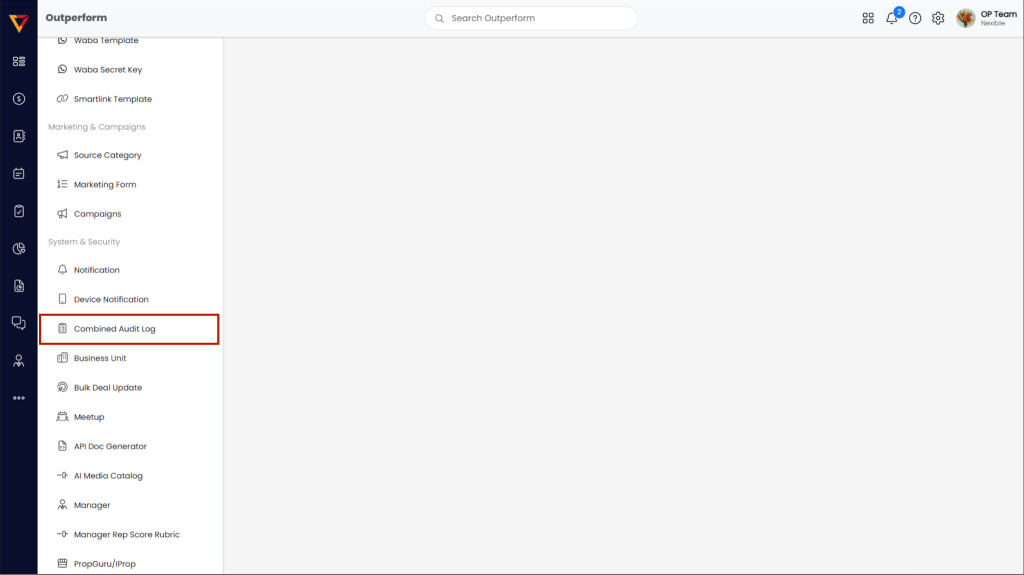
STEP 2 Under System & Security, select Combined Audit Log.

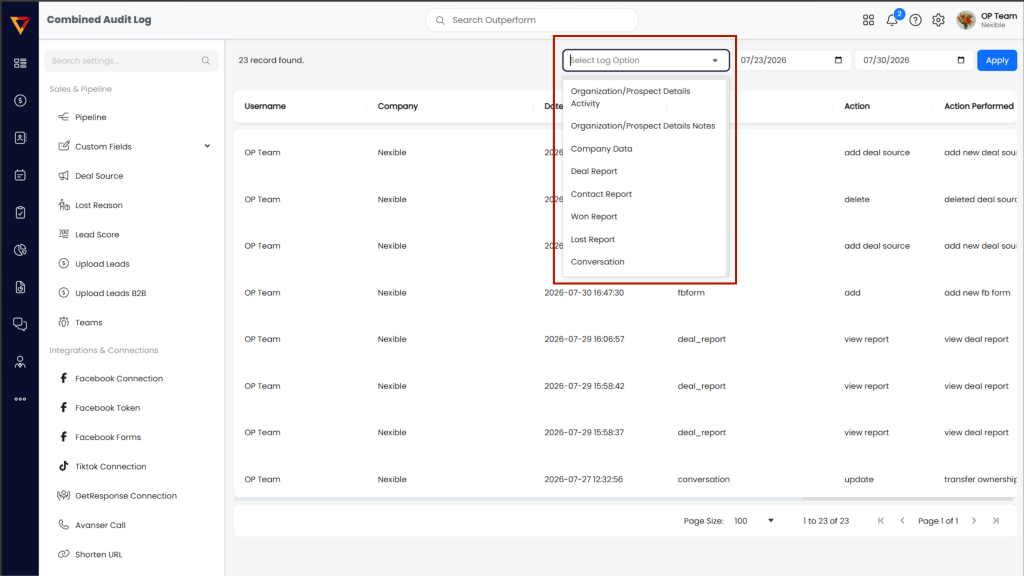
STEP 3 In Select Log Option, choose Conversation.

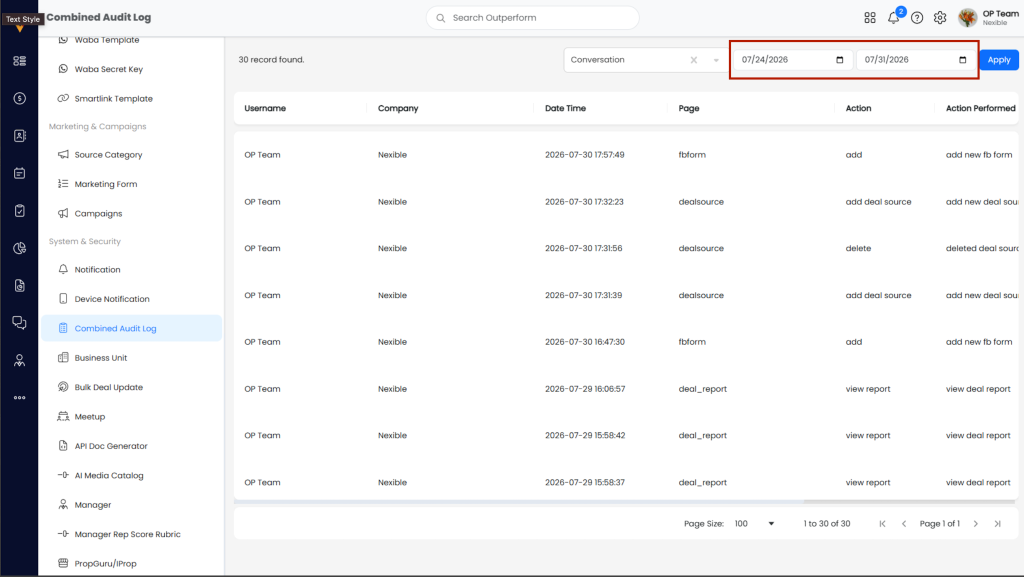
STEP 4 Select the preferred date or date range.

STEP 5 Click Apply to view the conversation transfer records.
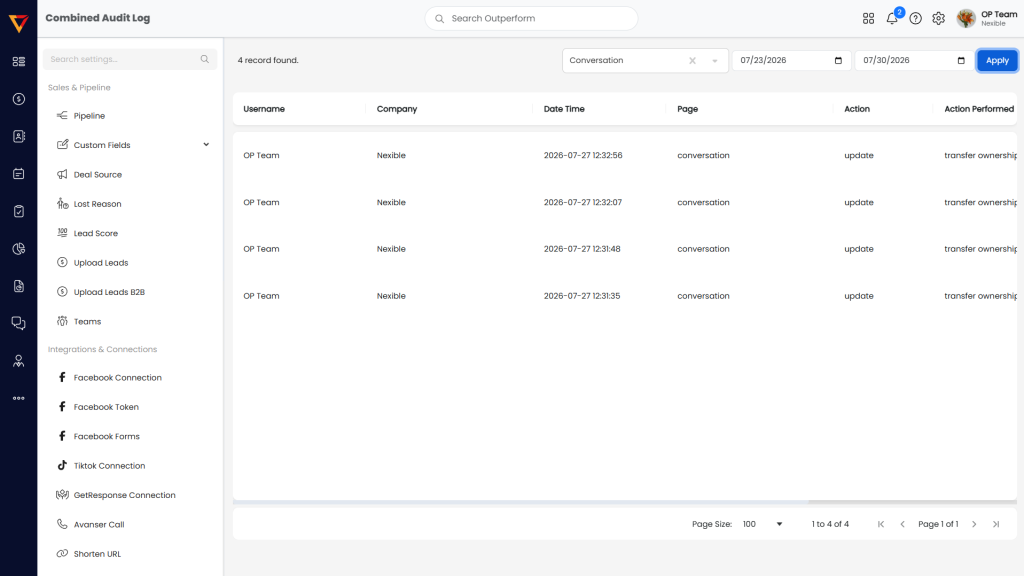
The log will display the available conversation transfer records for the selected date range.