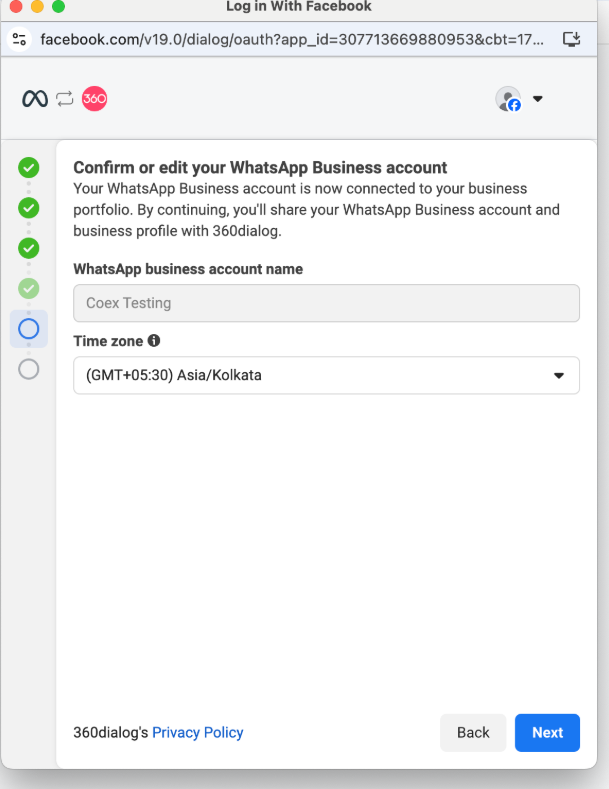
Hi, how can we help you?
WhatsApp Embedded Signup with OutPerform
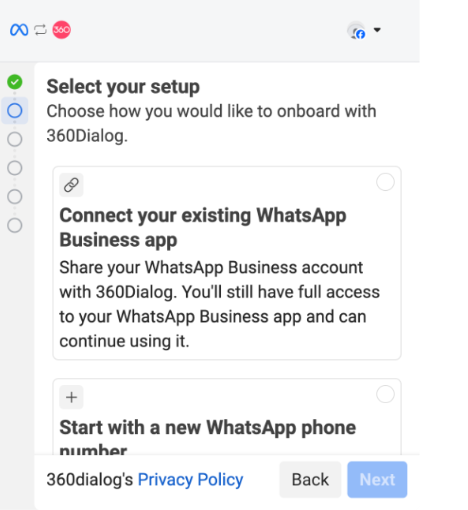
Step 1: Proceed with the “Connect your existing WhatsApp Business app” option.
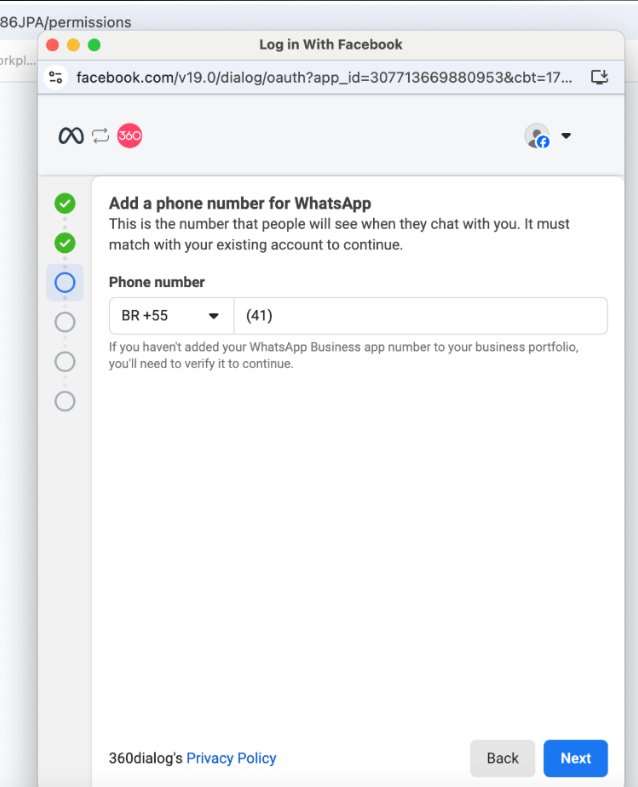
Step 2: Enter the phone number again and verify.
Step 3: Open the WhatsApp Business App on your phone.
Step 4: Follow the in-app instructions:
- A new WhatsApp message will prompt you to scan a QR code.
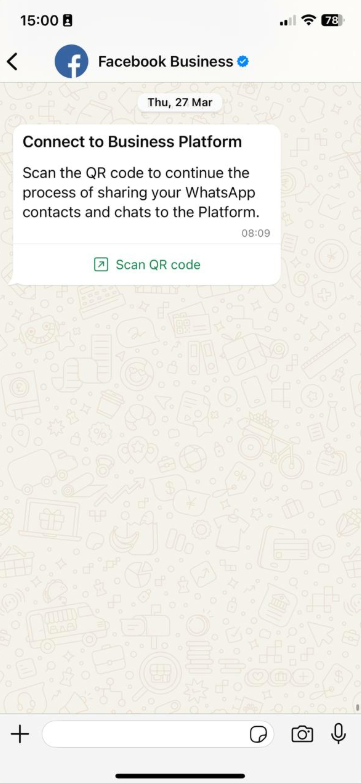
- Tap the message and scan the QR displayed on screen.
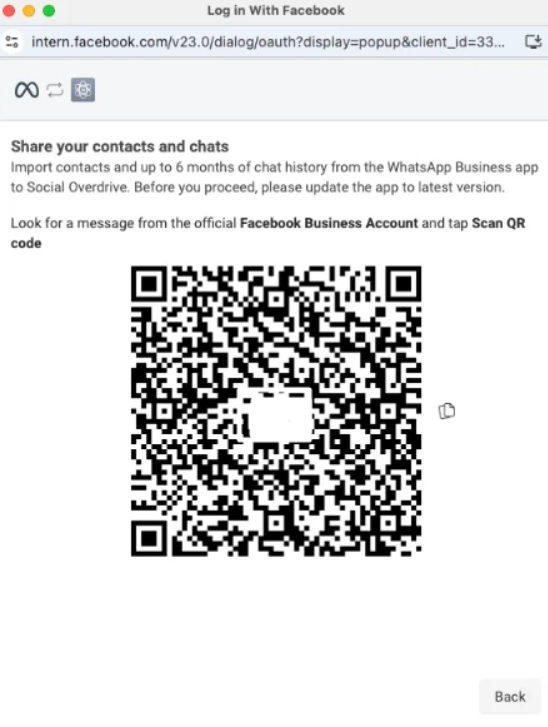
Step 5: Confirm Migration and History Sync
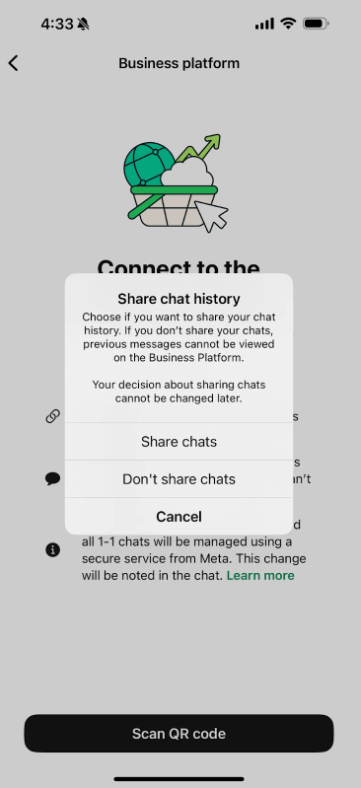
Step 6: Finish the Embedded Signup