Step 1: Login to OutPerform account.
Step 2: On the Deal Listing page, select the checkboxes on the left for the prospects you would like to include in the bulk email blast.

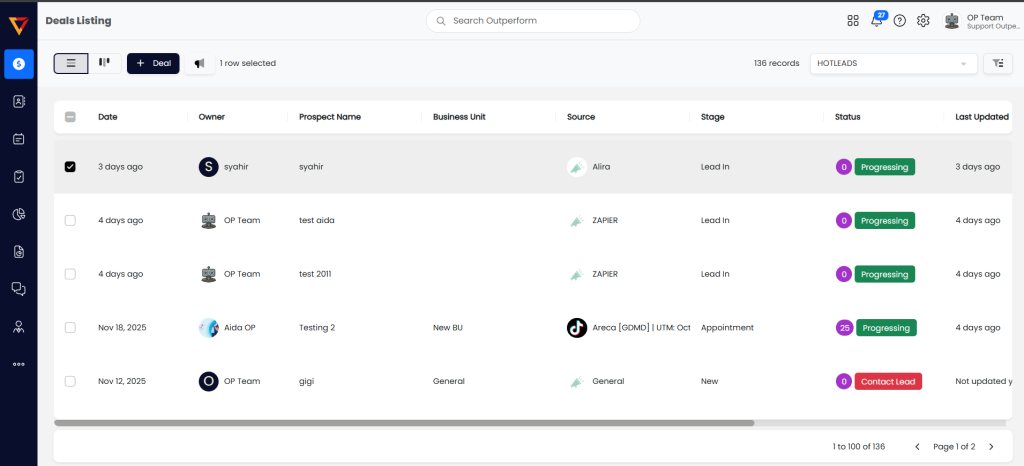
Step 3: Click on the ‘Speaker’ icon beside the + Deal button

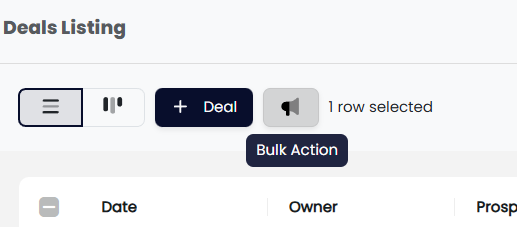
Step 4: Then choose ‘Email All Selected’.
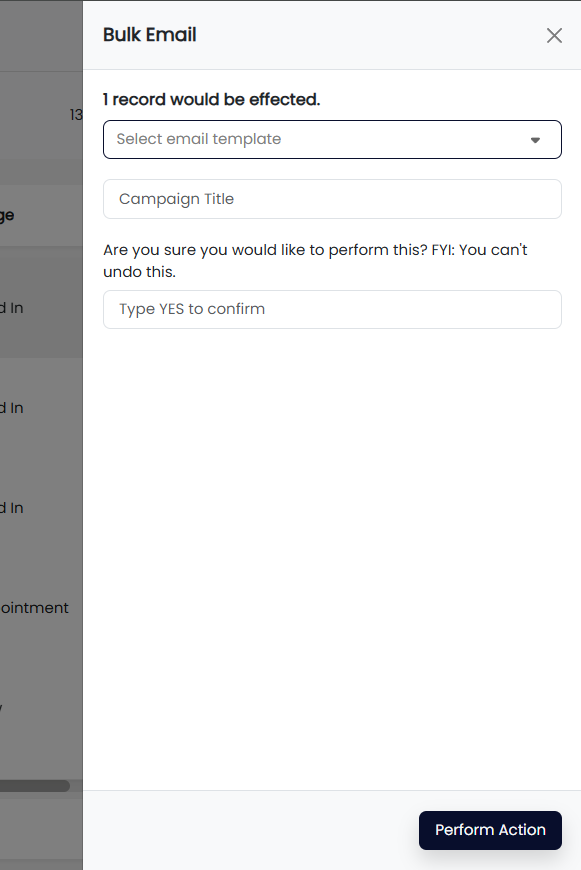
Step 5: In the pop-up window, select the email template you wish to use, enter the campaign title, and type “YES” to confirm.
Step 6: Click on ‘Perform Action’.